

01
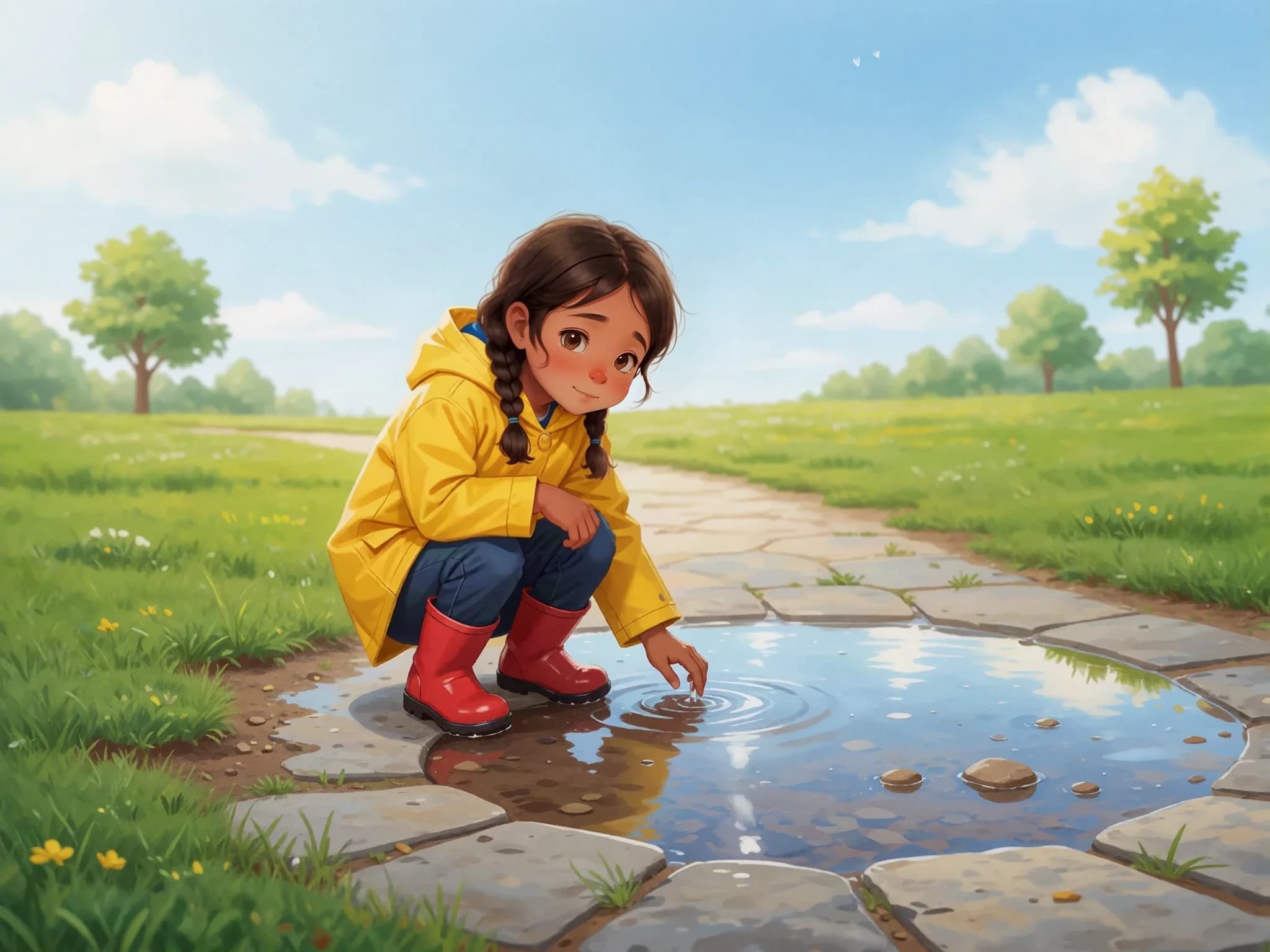
A puddle in the sunshine
After the rain, Amira found a puddle. By afternoon, it was smaller. ‘Where did some of the water go?’ she asked.
For curious classrooms
Create a story around a topic, review the explanation, and adapt the wording for your class. Give the lesson characters and pictures your learners can follow.
Sample created with Childbook.ai · Artwork and text you can review and edit.
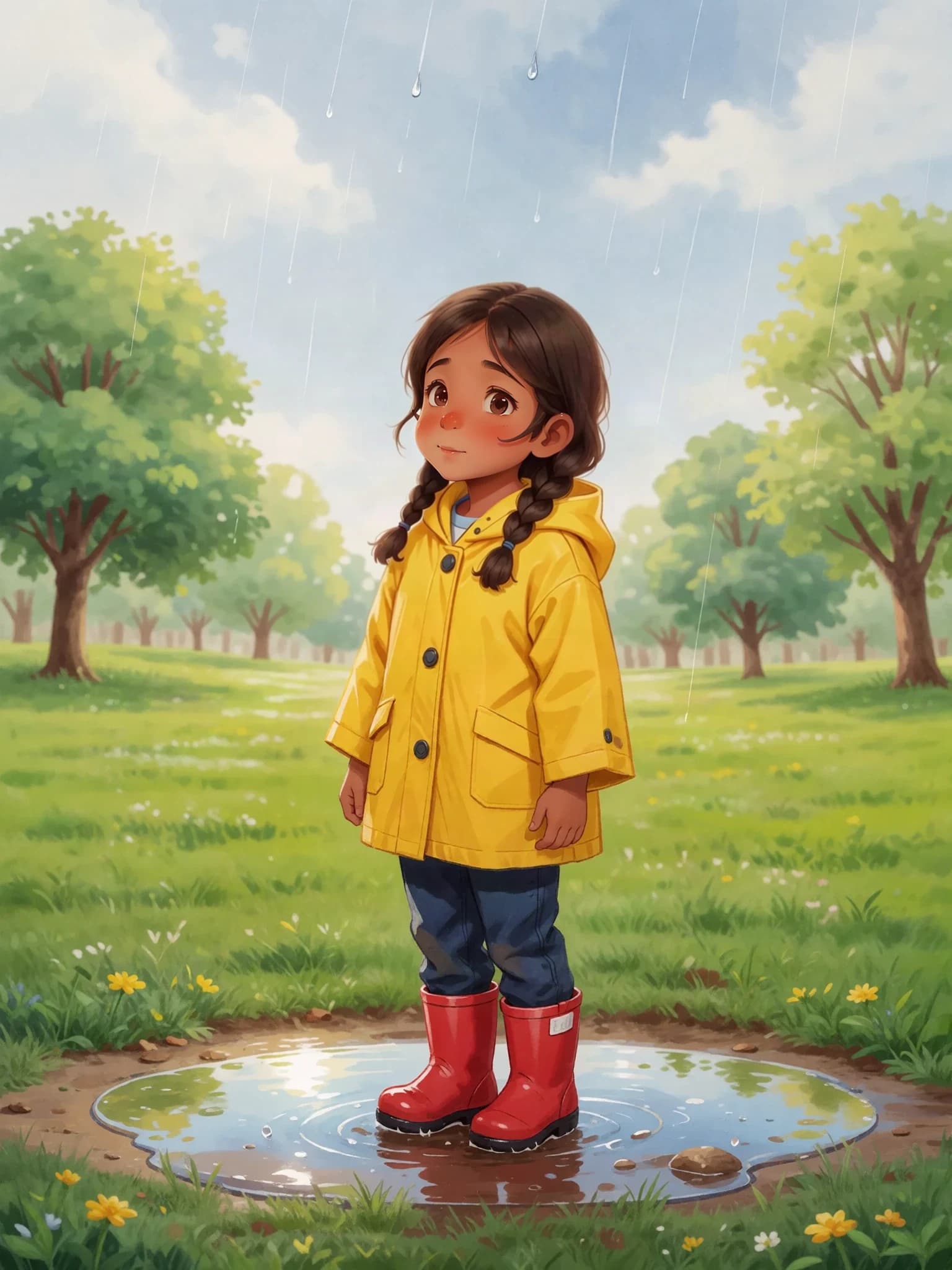
Amira Follows a Raindrop
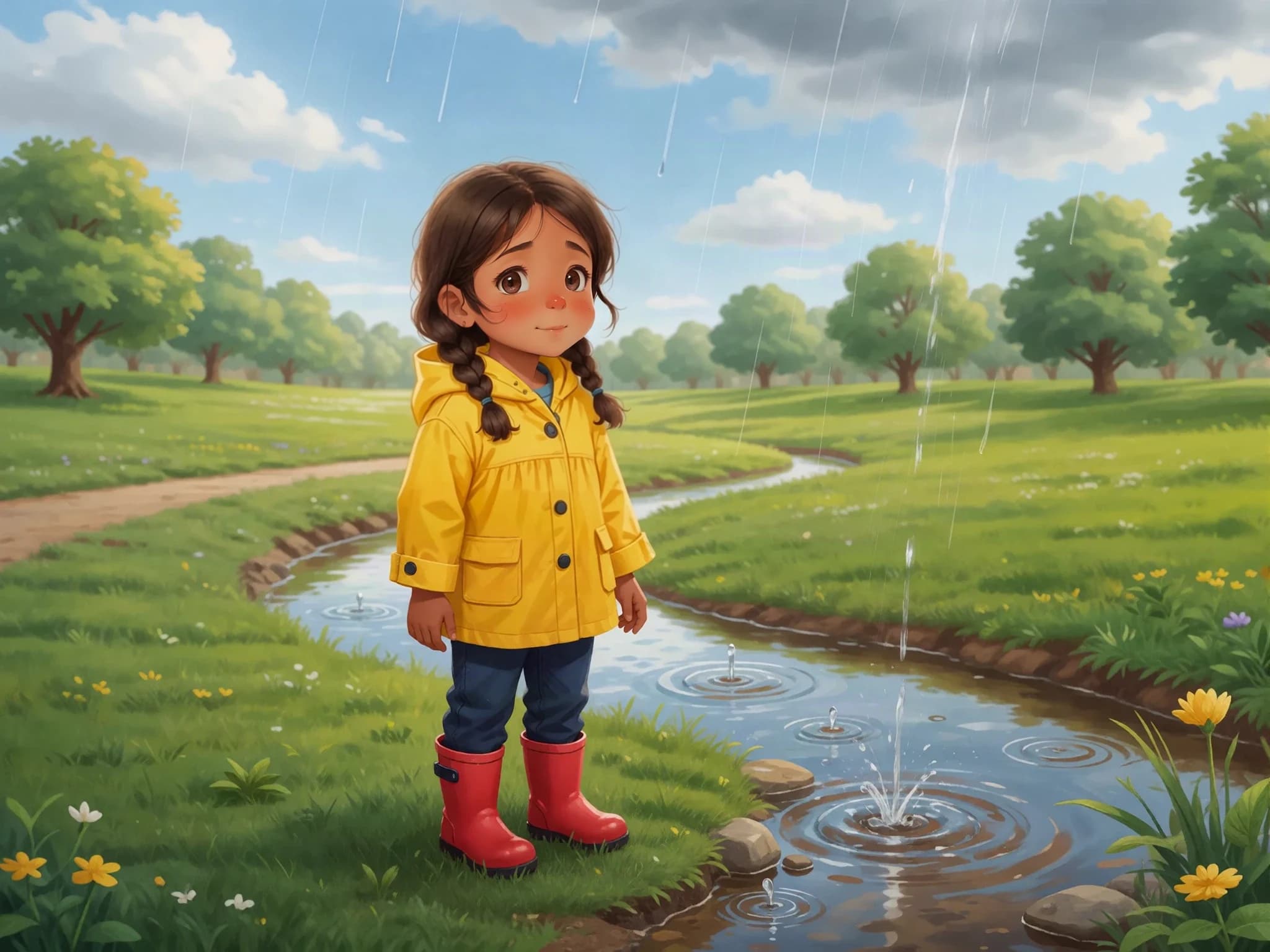
A puddle. A question. A whole water cycle to explore.
A little look inside
Create a short illustrated introduction to the water cycle for a primary classroom. Follow Amira as she notices a puddle, learns about evaporation and condensation, and sees rain return water to a stream. Use short sentences and explain new words.
Amira Follows a RaindropSample created with Childbook.ai · Four illustrated excerpts
After the rain, Amira found a puddle. By afternoon, it was smaller. ‘Where did some of the water go?’ she asked.
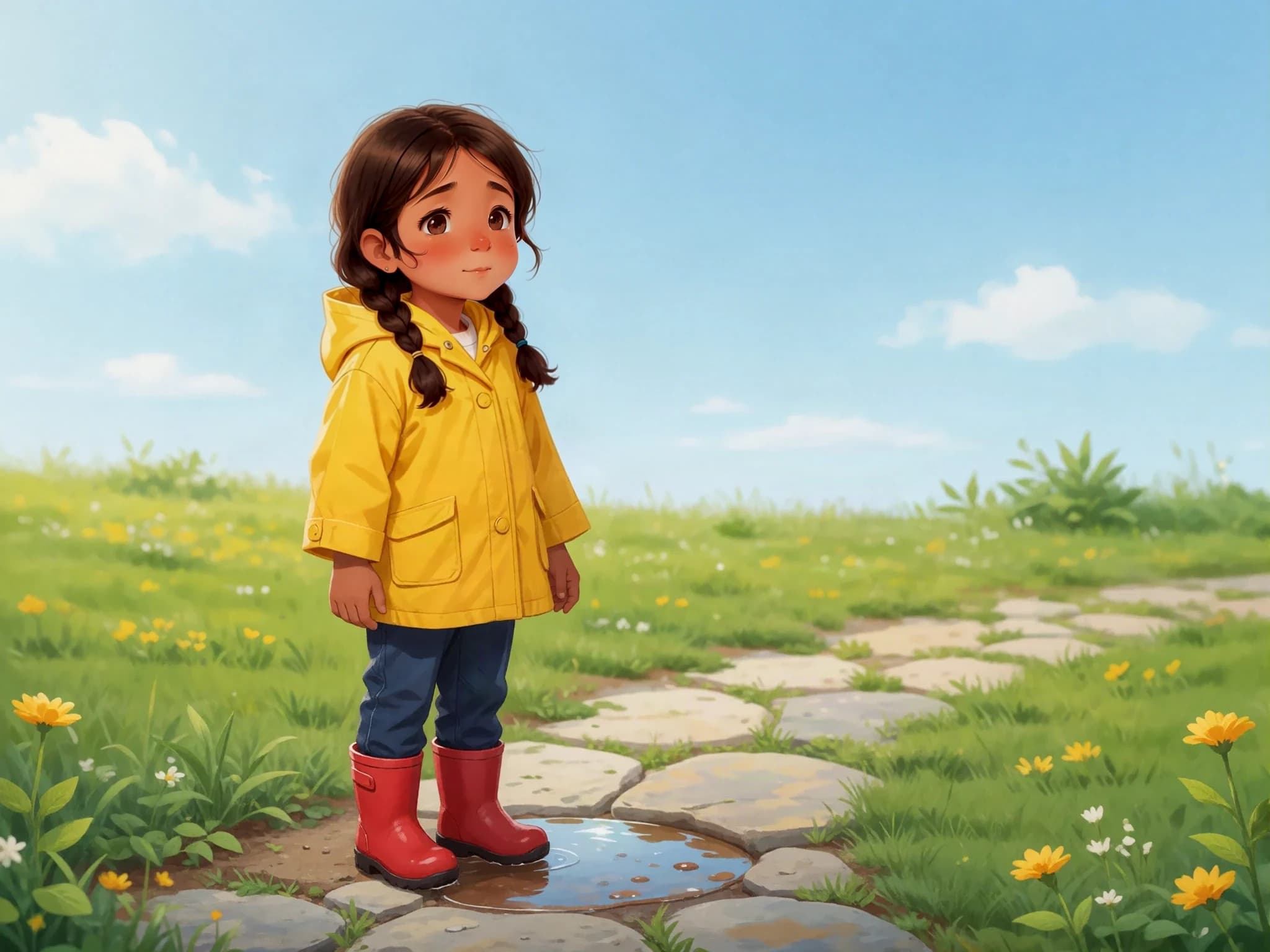
The Sun warmed the water. Some liquid water changed into water vapor in the air. This is evaporation. Water vapor is invisible.
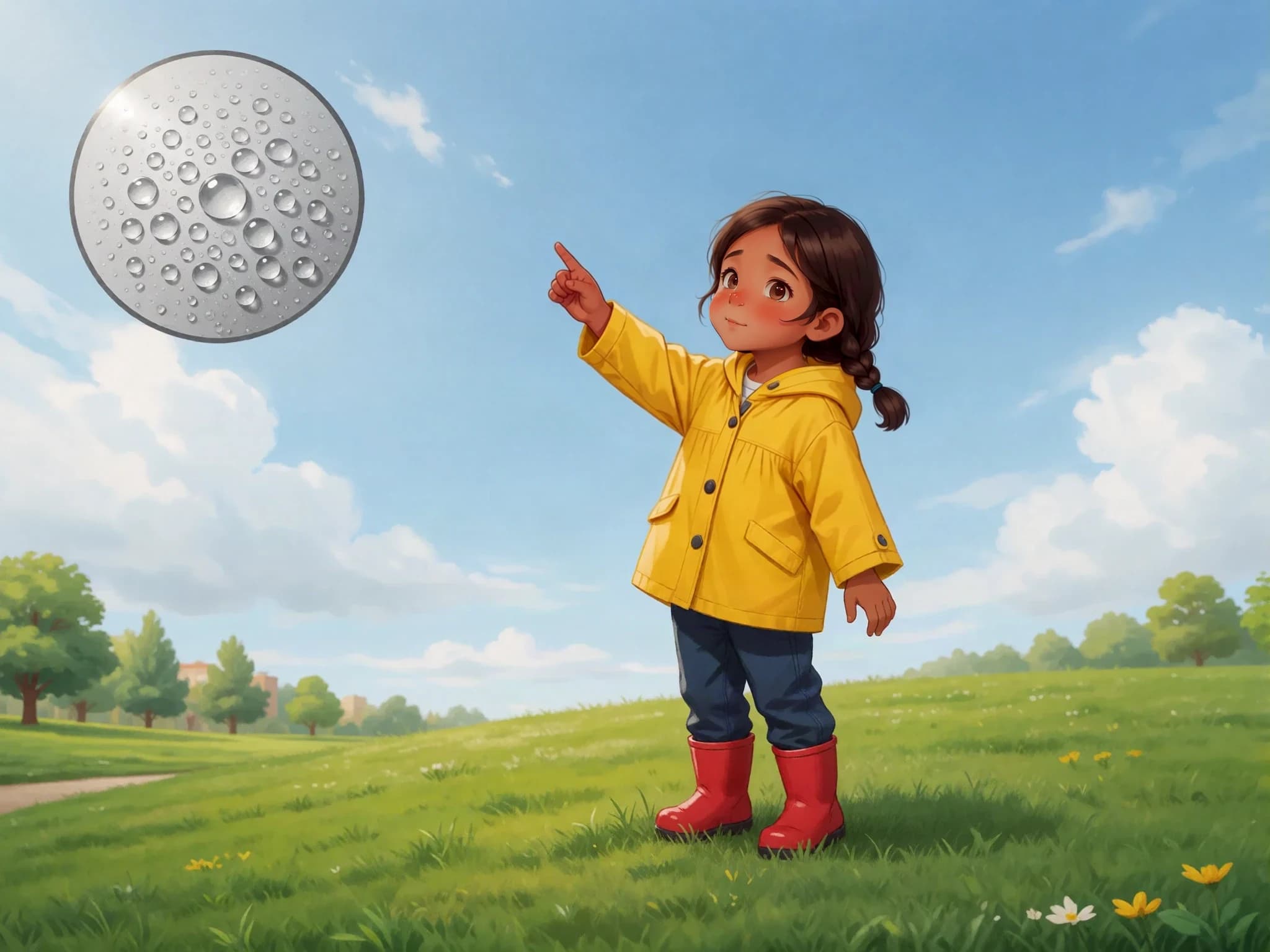
Higher up, the air was cooler. Water vapor cooled into tiny droplets. This is condensation. Many tiny droplets together can form a cloud.
The cloud droplets joined and grew heavier. Water fell as rain and flowed toward the stream. Amira watched the water continue its journey.
The useful part
Describe the concept or routine you want to introduce, and put it into a story context.
Review sentence length and vocabulary. Edit unfamiliar terms and add the explanations your class needs.
Read the facts and look closely at the pictures. Correct the text and regenerate artwork when needed.
Three classroom starting points
Follow a raindrop, explore a seed growing, or introduce how an animal finds its habitat.
Tell a story about the first day of class, caring for shared materials, or taking turns.
Build a story around words you will discuss together, then edit the passage to fit your lesson.
From the first idea to the final page
Name the topic and explain what the story should help introduce.
Create the text, cast, and illustrated pages.
Review facts, vocabulary, and the details in each image.
Export a PDF and use the available output in your lesson.
Beyond the preview
Yes. Describe the topic and the kind of story you want. Review the generated explanation and pictures before using the result in a lesson.
Yes. Edit the wording and sentence length yourself. Childbook does not certify reading levels or curriculum alignment.
Yes. Edit factual explanations in the text and generate alternative artwork. The teacher remains responsible for checking the finished material.
Yes. You can export a finished book PDF. Eligible printed copies can be quoted separately for supported destinations.
You can request a story in the language you need. Review the translation, vocabulary, and explanation before using it with learners.
Choose from the existing Childbook plans; there is no separate school plan in this offer. Review current terms for your intended classroom use and Business licensing if you plan to sell materials.
Your next page starts here