

The AI reads your text
Paste a chapter and Childbook proposes illustration captions taken from what actually happens in it. Pick the ones you want, or write your own caption instead.
Bring your own manuscript
Illustrate the children's book you already wrote. Childbook reads your text, suggests the scenes worth drawing, and renders them with characters that stay the same from the first page to the last.
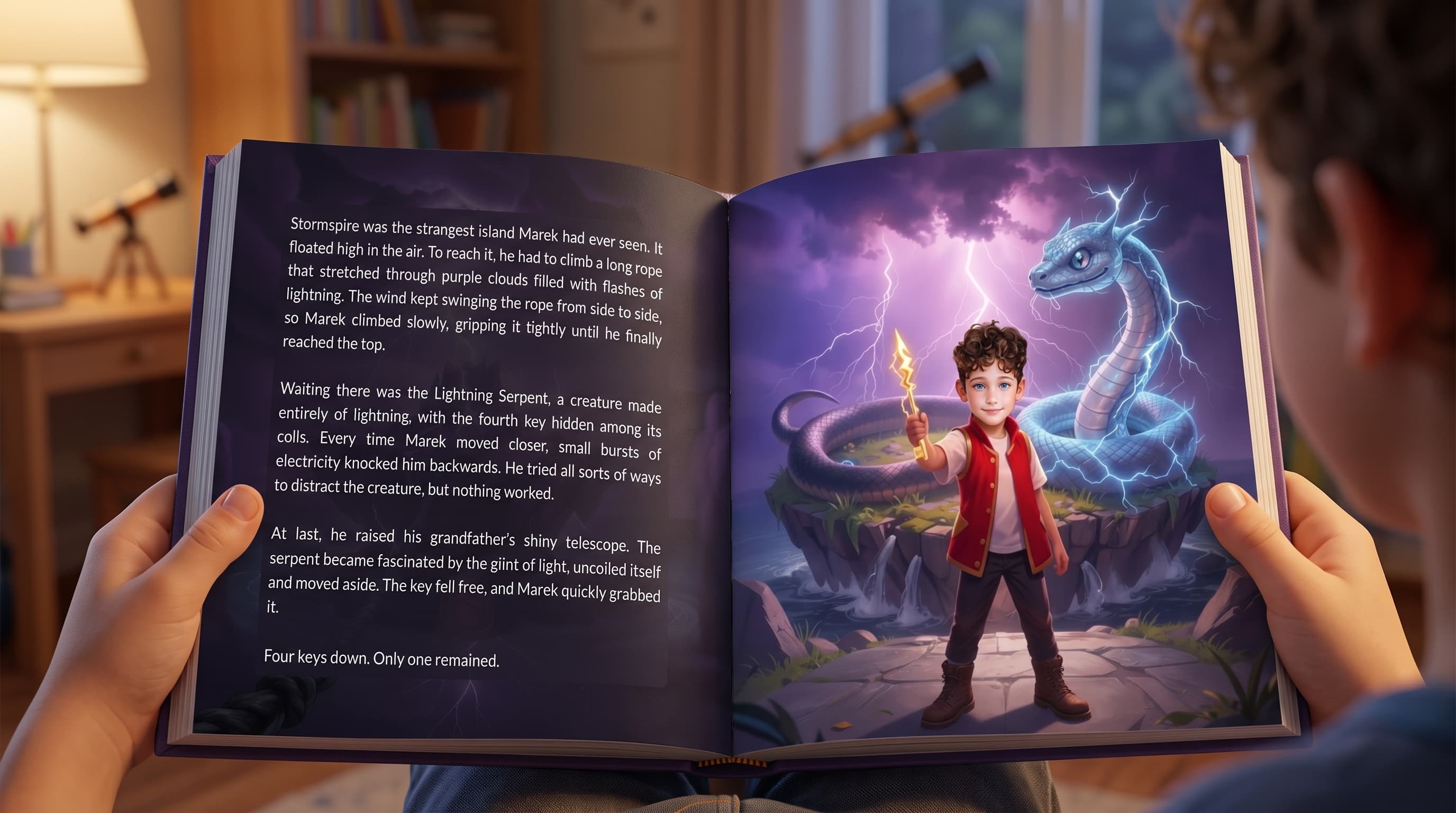
What it does
Most illustration tools wait for you to describe a picture. Childbook’s illustrator reads the text you paste in, proposes the moments worth drawing, and renders the ones you pick, so the art tracks the story instead of drifting away from it. Characters are defined once, with name, age, hair, and the rest, then reused on every render, which is what keeps the same child on page 3 and page 27. When the art is finished you can download the images, place them into your text to build a PDF, or push the whole project into Childbook’s book editor to add a cover and a print-ready layout.
Paste a chapter and Childbook proposes illustration captions taken from what actually happens in it. Pick the ones you want, or write your own caption instead.
The character wizard captures name, type, age, hair, and other traits. Every illustration in the project draws from that same definition rather than a fresh guess.
A visual style guide keeps the palette and rendering consistent, so chapter one and chapter twelve look like they belong to the same book.
Generate more than one take on a scene, compare them side by side, and promote the strongest to the main image before you export.
Step by step
Start a project and paste your manuscript in, chapter by chapter. Nothing gets rewritten unless you ask for it.
Set appearance once in the character wizard. This step is what keeps faces recognizable later, so it is worth the few minutes.
Childbook suggests illustration captions from your text. Choose what you want to render, then iteratively improve the results with more renders.
Download the images, download a PDF with the art placed into your text, or export the project into the book editor to polish up with the cover and layout.
Two ways in
A finished manuscript, a draft, or a story you have been reading aloud for years. The illustrator takes the text as it is and gives it pictures.
If the writing has not happened yet, the AI children’s book generator drafts the story first and then illustrates it as one complete book.
Why Childbook
Deciding what to draw on each page takes longer than drawing it. Childbook proposes those choices from your text and lets you overrule any of them.
A one-off image generator gives you a new child every render. A book needs one child, repeated, and that is what the character definition is for.
Images, a PDF, or a full book export with cover and layout. The work does not get stranded inside a preview window.
The text you paste can be in the language your readers actually use. Captions and illustrations follow it.
Examples


It is a tool that takes the text of a children’s book and produces the artwork for it: one or more illustrations per page or chapter, drawn from what the text describes, with the same characters carried across the whole book. Childbook’s illustrator works from a manuscript you supply rather than from image prompts you write by hand.
Yes, that is what the illustrator is for. Create a project, paste the text in chapter by chapter, define your characters once, and generate illustrations for the scenes you choose. Your words are not rewritten.
A general illustration generator turns a prompt into a picture, and every picture starts from scratch. A book illustrator has to hold continuity: the same character, the same style, and scenes that match specific sentences. Childbook reads your text to suggest what to draw and reuses one character definition across every render.
Each character is created once in the character wizard, with traits like type, age, hair color, and hair length, and a visual style guide sits over the project. Every illustration in that project is generated against those definitions instead of being described again each time.
Illustration credits come with your plan: 100 per month on Hobby, 250 on Premium, and 1,000 on Business. Unused Hobby credits roll over at 50%. You can also top up separately, at $5 for 50 credits or $15 for 200. Within a project, you can assign up to three illustrations per chapter.
Illustrator access is included from the Hobby plan at $19 per month, which also covers 100 illustration credits. Premium is $29 per month with 250 credits, and Business is $99 per month with 1,000 credits plus a commercial license. The $2.50 single book credit does not include Illustrator.
Download images one at a time or as a zip, place the illustrations into your text to build a PDF, or export the whole project into Childbook’s book gallery, where you can add a cover, adjust the layout, and order a printed copy.
Three things separate a book tool from a picture tool. Can it hold one character across thirty pages without the face changing? Does it choose scenes from your actual text, or does it make you prompt each image by hand? And can you get the result out at print resolution, laid out, rather than as loose files? Those are the questions worth testing before you commit a manuscript to any tool.
Bring the manuscript, build your characters once, and let the pictures follow the text. Illustrator is included from $19 per month.